
Last updated: 8 October 2026
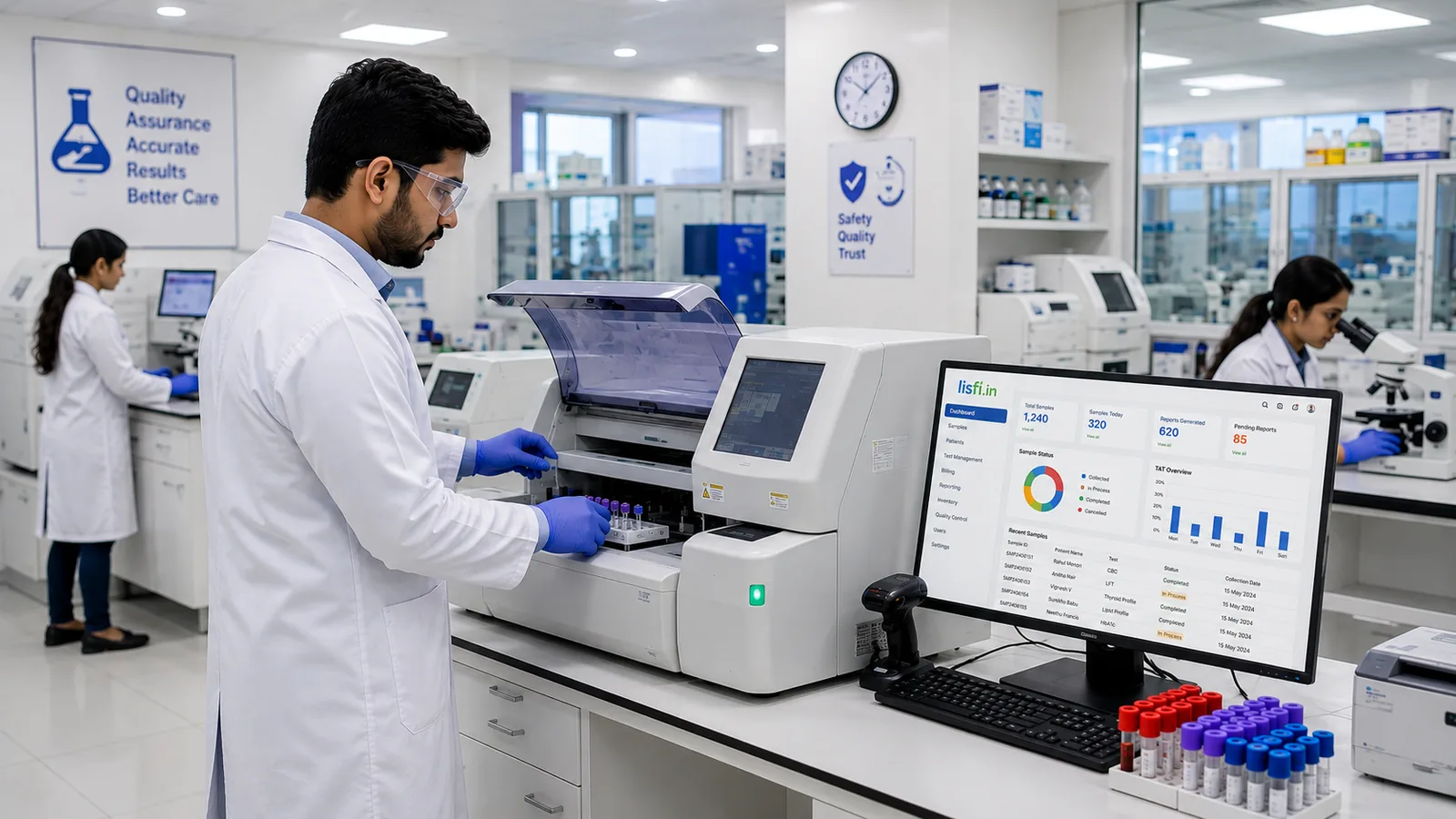
Short answer: analyzer integration (also called instrument interfacing) connects your hematology, biochemistry, immunoassay and ESR analyzers directly to your LIMS. Results travel automatically to the right patient record, matched by sample barcode, so nobody re-types them. The technologist reviews and authorises instead of copying numbers - which saves time and removes transcription errors.
Key takeaways
- Manual transcription is the slowest and riskiest step between analyzer and report.
- Barcodes link each result to the right sample automatically.
- Bidirectional interfaces also send the worklist to the analyzer, so orders are not keyed in twice.
- Always confirm your exact analyzer models are supported before you sign.
Why manual entry is the weak link
An analyzer produces a result in seconds. Getting that result onto a patient report is where laboratories still lose time and accuracy, because somebody reads it off one screen and types it into another. Every transcription is a chance to introduce a mistake that nobody notices until the report has gone out.
What integration means in practice
Instrument integration means the analyzer talks to the LIMS directly. Results transfer automatically against the right sample, matched by barcode, with no keyboard in between. The technologist reviews and authorises instead of retyping.
How analyzer interfacing works, step by step
- The sample is registered and a barcode label is printed at collection.
- The barcoded tube is loaded on the analyzer.
- The analyzer reads the barcode and runs the ordered tests.
- Results are sent to the LIMS through the analyzer's communication port, using the manufacturer's protocol (commonly ASTM or HL7).
- The LIMS attaches each result to the correct patient and test.
- The technologist and pathologist review, flag and authorise on screen.
- The authorised report is delivered to the patient automatically.
Unidirectional vs bidirectional interfacing
Unidirectional interfaces send results one way, from the analyzer to the LIMS. Tests are still selected on the analyzer.
Bidirectional interfaces work both ways: the LIMS sends the test order (worklist) to the analyzer when it reads the barcode, then receives the results. This removes a second manual step and is ideal for high-volume analyzers. Which one is possible depends on the analyzer model.
Which analyzers connect to Lisfi
Lisfi interfaces with more than 40 supported hematology, biochemistry, immunoassay and ESR analyzers, from manufacturers including Agappe, Dymind, Erba, Randox, Diatron, Dirui, Horiba, Alifax and Roche. See the full list on our supported instrument integrations page.
Already using a hospital information system (HIMS) or a different LIMS? i-bridge is our analyzer interfacing middleware that connects lab analyzers to any HIMS or LIMS, with bidirectional communication and a white-label option for software providers.
What changes on day one
Fewer transcription errors, shorter turnaround time, and a technologist who spends the day on laboratory work instead of data entry. It also strengthens your records for NABL - every result can be traced back to the analyzer run that produced it. Read more on how a LIMS supports ISO 15189:2022 readiness.
Questions to ask your LIMS vendor about interfacing
- Is my exact analyzer model supported, and is it unidirectional or bidirectional?
- Is there an extra cost per interface, and who maintains it after an analyzer software update?
- What hardware is needed - a cable, a converter or a dedicated PC near the analyzer?
- How long does it take to set up and validate each interface?
- What happens to results if the connection drops mid-run?
Frequently asked questions
What is LIMS instrument integration?
It is the direct connection between a lab analyzer and the LIMS, so test results transfer automatically to the patient record without manual entry.
What is the difference between ASTM and HL7?
Both are communication standards that analyzers and lab software use to exchange orders and results. Your analyzer's manufacturer specifies which one it uses; the LIMS vendor builds the interface to match.
Can older analyzers be connected to a LIMS?
Often yes, if the analyzer has a serial or network communication port. Ask your vendor to check the specific model.
Do results still need to be checked after integration?
Yes. Integration removes typing, not professional review. Results are still verified and authorised before the report is released.
Written by the Lisfi team at Icon Infoware Technologies, Kochi.