Cloud LIMS for diagnostic laboratories - trusted across India
Analyzer integration middleware

i-bridge Analyzer Integration & Interfacing Middleware

A ready-to-deploy bridge between your clinical analyzers and your HIMS or LIMS. The analyzer gets its orders and sends back its results on its own, in both directions.

See how it works
What i-bridge is

One Job: Getting Analyzers and Software to Talk

i-bridge is a ready-to-deploy middleware application. It works as a communication bridge between clinical laboratory analyzers and a Hospital Information Management System (HIMS) or Laboratory Information Management System (LIMS).

It does one thing, analyzer integration and interfacing, and does it for the major clinical analyzer manufacturers, with reliable bidirectional communication between the instrument and the software behind it. It is built by Icon Infoware Technologies and is not tied to Lisfi: it runs with the HIMS or LIMS you already have.

Built for

  • Hospitals Connect the laboratory's analyzers to the HIMS the hospital already runs.
  • Diagnostic centres Connect your analyzers to the LIMS you have, without replacing it.
  • HIMS providers Add analyzer interfacing to your hospital software.
  • LIMS providers Offer analyzer integration as part of your own product.
What changes at the bench

The Same Sample, Without and With i-bridge

Every value that is read off a screen and typed into a form is a chance for an error. i-bridge takes that step out in both directions.

Without i-bridge

A person carries the data both ways
  1. Staff type the patient and the tests into the analyzer for every sample.
  2. The tests are selected by hand at the instrument.
  3. Results are read off the analyzer and typed into the HIMS or LIMS.

What that costs

  • Manual data entry
  • Patient and test identification errors
  • Typing mistakes
  • Repetitive laboratory work
  • Result-entry workload
  • Time spent operating the analyzer
With i-bridge

The two systems exchange it themselves
  1. The analyzer scans the barcode and gets the patient and the tests itself.
  2. The sample goes into any free rack position. Nothing is selected by hand.
  3. Results arrive in the HIMS or LIMS on their own, ready to review.

What your team does instead

  • Loading samples
  • Monitoring the run
  • Reviewing results
  • Authorizing reports
How i-bridge works

From Barcode to Authorized Result, in Four Steps

With a bidirectional interface the analyzer and the software exchange the two things that matter: what to test, and what the result was.

  1. The analyzer reads the barcode

    The analyzer scans the sample tube itself. i-bridge retrieves the patient and the ordered tests for that barcode from the connected HIMS or LIMS.

  2. The sample goes in any rack position

    Depending on the analyzer, the tube can be loaded wherever there is space. No manual test selection, no patient details typed at the instrument.

  3. Results come back on their own

    When the tests are complete, the analyzer sends its results through i-bridge to the HIMS or LIMS, against the sample they belong to.

  4. The laboratory reviews and authorizes

    Authorized staff review the received results, verify them, edit where required, and give the final authorization.

That leaves the laboratory team four jobs:

  • Loading samples
  • Monitoring the run
  • Reviewing results
  • Authorizing reports
Analyzers already connected

The Analyzers i-bridge Already Talks To

Hematology, biochemistry, immunoassay and other analyzers from the major manufacturers: 40+ models interfaced so far. Each is connected on its own protocol, so if yours is not shown, tell us the model.

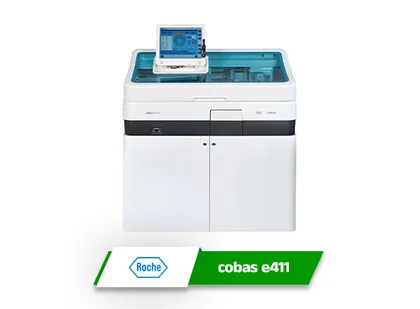
Roche cobas e411 - Immunoassay Analyzer, interfaced through i-bridge
Roche cobas e411 Immunoassay Analyzer
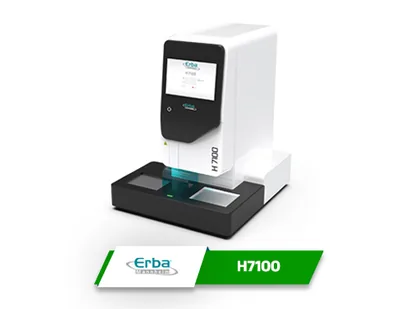
Erba H7100 - Hematology Analyzer, interfaced through i-bridge
Erba H7100 Hematology Analyzer
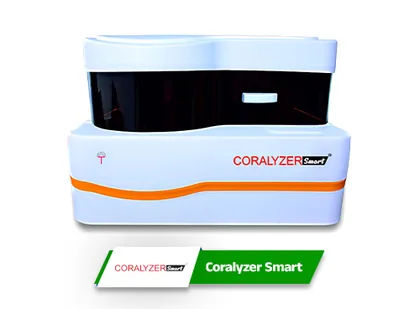
Coralyzer Smart - Biochemistry Analyzer, interfaced through i-bridge
Coralyzer Smart Biochemistry Analyzer
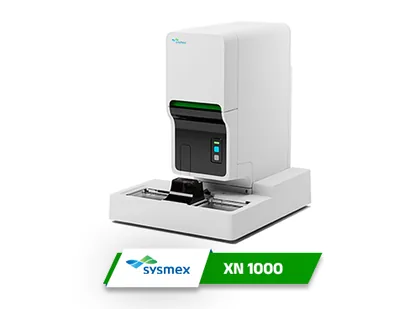
Sysmex XN-1000 - Hematology Analyzer, interfaced through i-bridge
Sysmex XN-1000 Hematology Analyzer
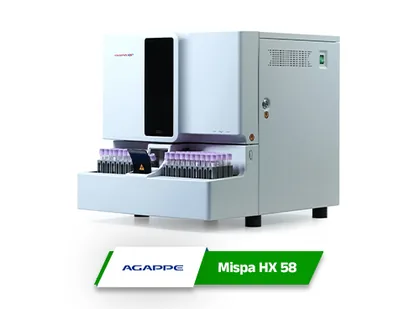
Agappe Mispa HX 58 - Hematology Analyzer, interfaced through i-bridge
Agappe Mispa HX 58 Hematology Analyzer
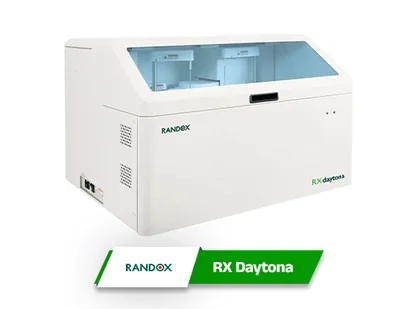
Randox RX Daytona - Biochemistry Analyzer, interfaced through i-bridge
Randox RX Daytona Biochemistry Analyzer
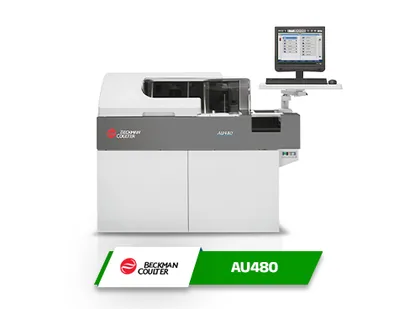
Beckman Coulter AU480 - Biochemistry Analyzer, interfaced through i-bridge
Beckman Coulter AU480 Biochemistry Analyzer
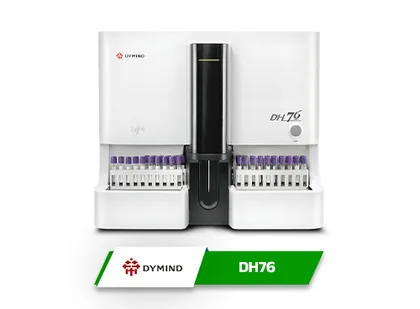
Dymind DH76 - Hematology Analyzer, interfaced through i-bridge
Dymind DH76 Hematology Analyzer
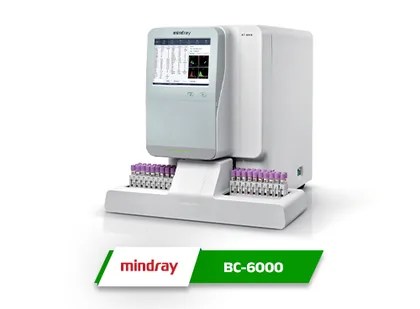
Mindray BC-6000 - Hematology Analyzer, interfaced through i-bridge
Mindray BC-6000 Hematology Analyzer
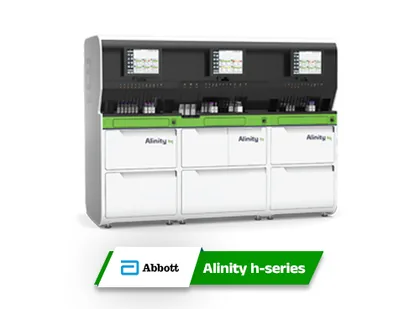
Abbott Alinity h-series - Hematology Analyzer, interfaced through i-bridge
Abbott Alinity h-series Hematology Analyzer
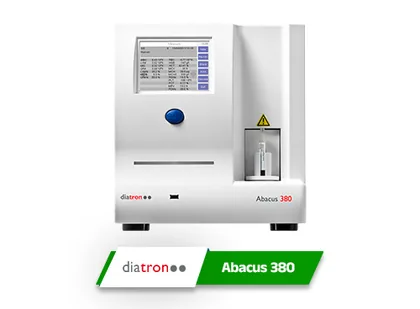
Diatron Abacus 380 - Hematology Analyzer, interfaced through i-bridge
Diatron Abacus 380 Hematology Analyzer
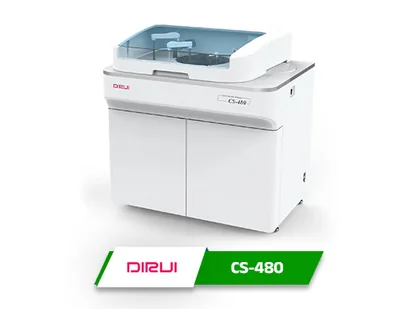
Dirui CS-480 - Biochemistry Analyzer, interfaced through i-bridge
Dirui CS-480 Biochemistry Analyzer
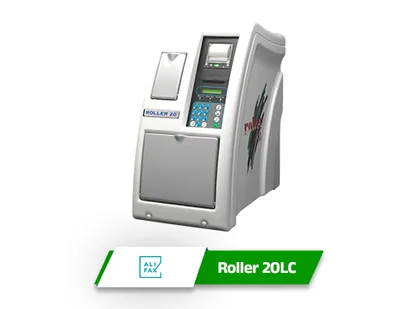
Alifax Roller 20LC - ESR Analyzer, interfaced through i-bridge
Alifax Roller 20LC ESR Analyzer
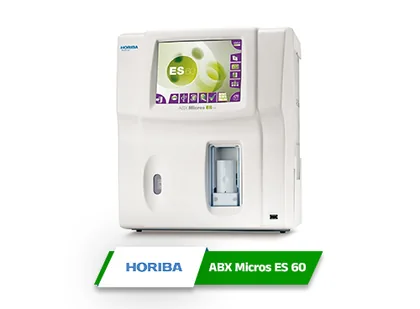
Horiba ABX Micros ES 60 - Hematology Analyzer, interfaced through i-bridge
Horiba ABX Micros ES 60 Hematology Analyzer
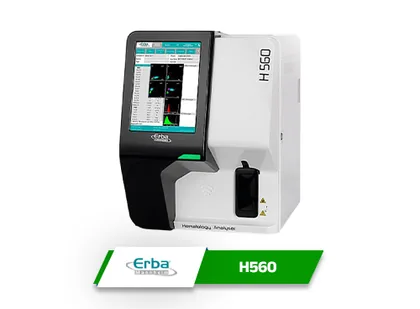
Erba H560 - Hematology Analyzer, interfaced through i-bridge
Erba H560 Hematology Analyzer
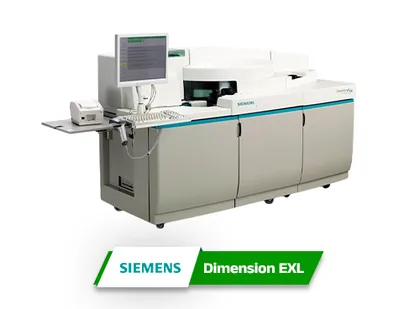
Siemens Dimension EXL - Biochemistry Analyzer, interfaced through i-bridge
Siemens Dimension EXL Biochemistry Analyzer
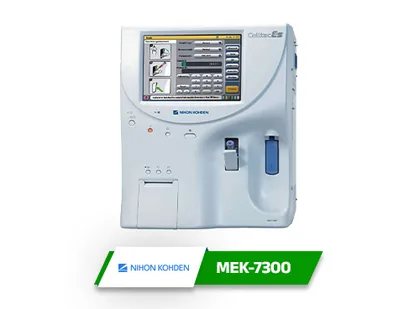
Nihon Kohden MEK-7300 - Hematology Analyzer, interfaced through i-bridge
Nihon Kohden MEK-7300 Hematology Analyzer
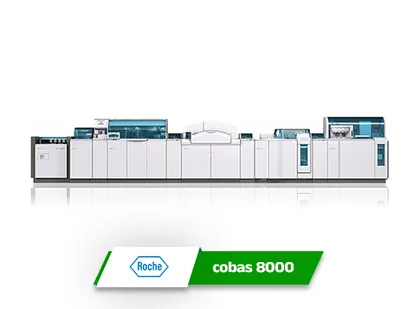
Roche cobas 8000 - Biochemistry Analyzer, interfaced through i-bridge
Roche cobas 8000 Biochemistry Analyzer
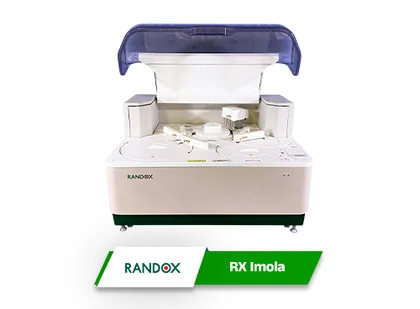
Randox RX Imola - Biochemistry Analyzer, interfaced through i-bridge
Randox RX Imola Biochemistry Analyzer
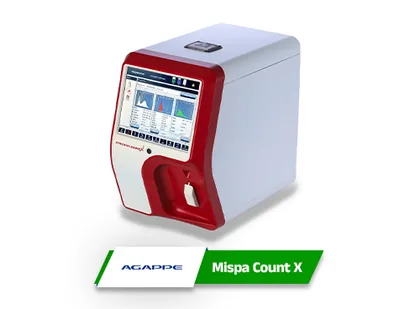
Agappe Mispa Count X - Hematology Analyzer, interfaced through i-bridge
Agappe Mispa Count X Hematology Analyzer
Integration and customization

Analyzer-Specific, and Supplied With What You Need

Each integration is built on the communication protocol, data format, interface requirements and technical specification of the analyzer in question. For a HIMS or LIMS development team, i-bridge is the dedicated communication layer between your software and the instruments, and we provide what the team needs to connect to it.

Between analyzer and i-bridge

The connection

  • Interface configurationAnalyzer communication and interface set-up for the instrument you run.
  • Communication protocol detailsThe protocol and data format each analyzer speaks.
  • Serial and network requirementsWhat the link needs, whether it is serial or over the network.
  • Cable structure and wiringThe cable and its wiring, for instruments that connect by serial port.
Between i-bridge and your software

The data

  • Barcode generation guidelinesHow sample barcodes must be made so the analyzer can read them back.
  • HIMS/LIMS communication guidelinesHow your software talks to i-bridge: parameters, structures, requirements.
  • Data exchange specificationsExactly what the two sides send each other.
Until it is connected

Our team

  • Interface configuration supportHelp setting the interface up, analyzer by analyzer.
  • Guidance for your developersFor the team connecting the HIMS or LIMS to i-bridge.
  • Analyzer-specific customizationTechnical assistance when an instrument needs more than the standard interface.

Setting up remotely? For virtual implementation and remote integration, the cable structure, communication configuration and other technical details are provided for your analyzer and system.

For HIMS and LIMS software companies

Analyzer Integration, Under Your Brand

i-bridge is available as a white-label analyzer interfacing solution for HIMS and LIMS software companies worldwide. It is supplied without the Icon Infoware Technologies branding, logo or product name, so you integrate it, market it and deliver it as part of your own software.

Instead of developing a separate interface for every analyzer from the beginning, and maintaining it, your team uses i-bridge as the ready-made integration platform and concentrates on your core HIMS or LIMS application.

  • Cut analyzer integration development time
  • Add analyzer interfacing to your product quickly
  • Support multiple analyzer manufacturers
  • Reduce development and maintenance effort
  • Offer bidirectional analyzer communication
  • Improve laboratory automation for your customers
  • Expand what your HIMS or LIMS can do
  • Sell analyzer integration as part of your own software
Analyzer list in hand? Bring it

Tell Us Which Analyzers and Which Software

Whether you run a laboratory or build the software one runs on, send us the analyzer models and the HIMS or LIMS they need to talk to. We will tell you what the integration involves for each, and what we supply to get it connected.